








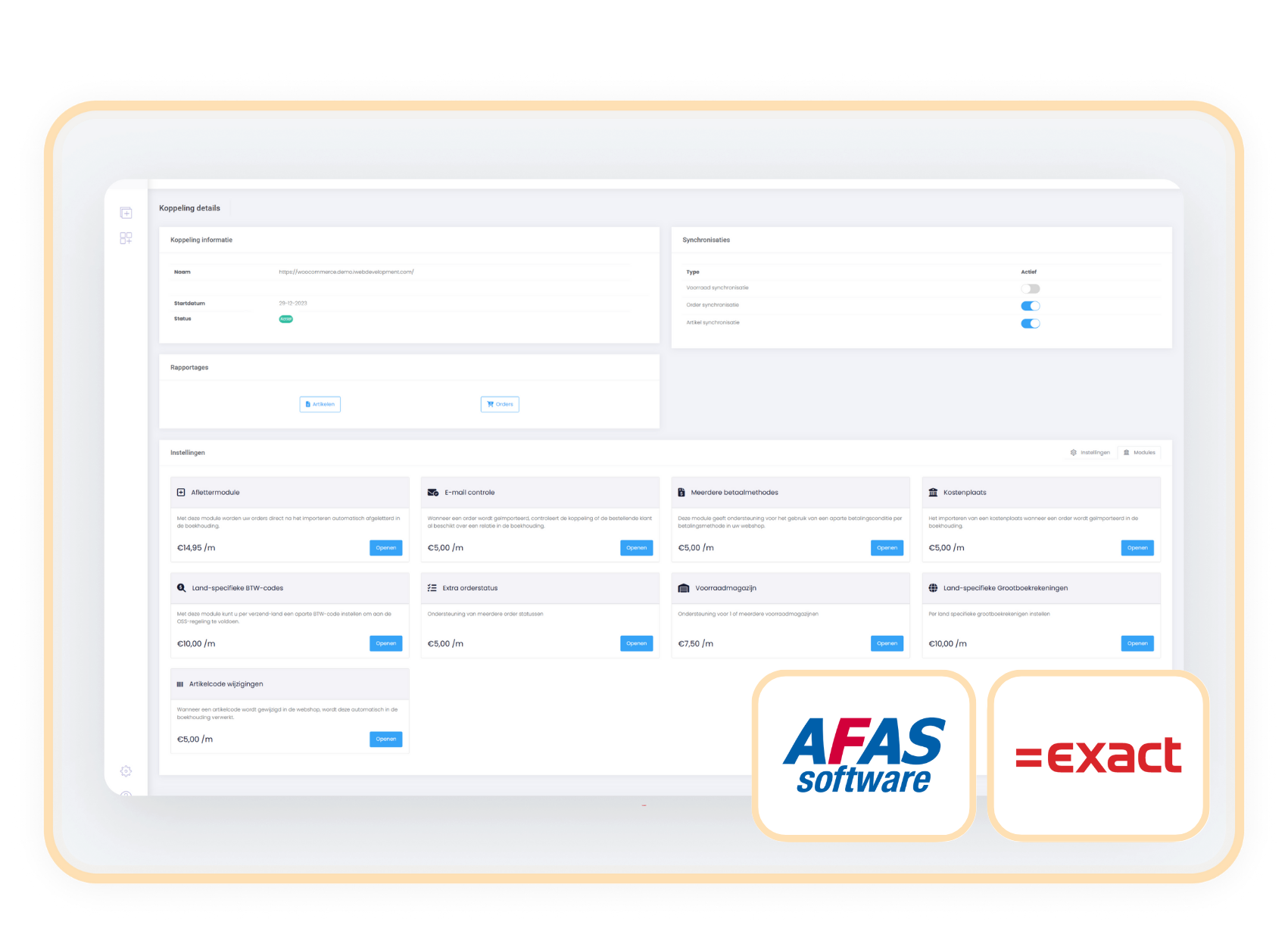
Afas-Exact

Connect your webshop to the right warehouse with the Select stock warehouse module

Book orders to the right location and send only the stock of one chosen warehouse to your webshop.

module voorraadmagazijn selecteren exactonline afas

The Select stock warehouse module connects your webshop to one specific warehouse in your accounting system. This way you show only the stock that is relevant for online sales and you book webshop orders straight to the right stock location.


Keep your stock clear and prevent mistakes with the Select stock warehouse module. Connect your webshop to one specific warehouse and let only that stock appear in your webshop. Orders are booked automatically to the right location in your accounting system, so everything stays clear, accurate and efficient.

Without this module, stock from all warehouses is added together, which leads to confusion and incorrect stock levels. This module prevents that. Your webshop shows only relevant stock and your administration stays correct without manual adjustments or transfers afterwards.


contact-icon Costs

The Select stock warehouse module is available as an addition to your existing subscription.

€ 7.50 / month


contact-icon How do you activate the module?

You activate the Select stock warehouse module easily yourself in your control panel:

  1. Go to settings in your control panel and click on the 'modules' tab
  2. Select 'Select stock warehouse', choose the right warehouse and save
  3. From now on, both stock and order processing are automatically connected to this warehouse

contact-icon Compatibility

The Select stock warehouse module works independently of your webshop. You activate it easily as an addition to your connector between Exact Online or AFAS and your webshop, regardless of the platform you use.

Afas-Exact

When to choose the Select stock warehouse module

You work with multiple warehouses in your administration

You want to prevent stock from unsuitable locations (such as physical stores or external depots) from being visible in your webshop. This module makes sure that only the right warehouse is connected.

You want to book webshop orders automatically to the right warehouse

With this module, orders are booked directly to the chosen warehouse. So orders no longer have to be moved manually in your accounting system.

You only sell online from a central e-commerce warehouse

Prevent stock from other warehouses from showing as available. The webshop only displays the stock of your chosen warehouse.

You want to prevent errors, duplicate actions and stock confusion

Without this module, the stock of all warehouses is added together. That quickly leads to incorrect webshop information and extra work in your administration.

Related modules

Alle modules de eerste 90 dagen gratis!

Begin met een vliegende start en ervaar hoe onze handige modules jouw processen nog efficiënter maken!
https://144641067.fs1.hubspotusercontent-eu1.net/hubfs/144641067/logos/exact-icon.svg

Aflettermodule

+ module

€ 17,50/maand

Details

https://144641067.fs1.hubspotusercontent-eu1.net/hubfs/144641067/logos/exact-icon.svg

BTW-nummer controle

+ module

€ 6,00/maand

Details

https://144641067.fs1.hubspotusercontent-eu1.net/hubfs/144641067/logos/exact-icon.svg

Klantclassificatie

+ module

€ 6,00/maand

Details

https://144641067.fs1.hubspotusercontent-eu1.net/hubfs/144641067/logos/exact-icon.svg

Verzameldebiteur

+ module

€ 6,00/maand

Details