







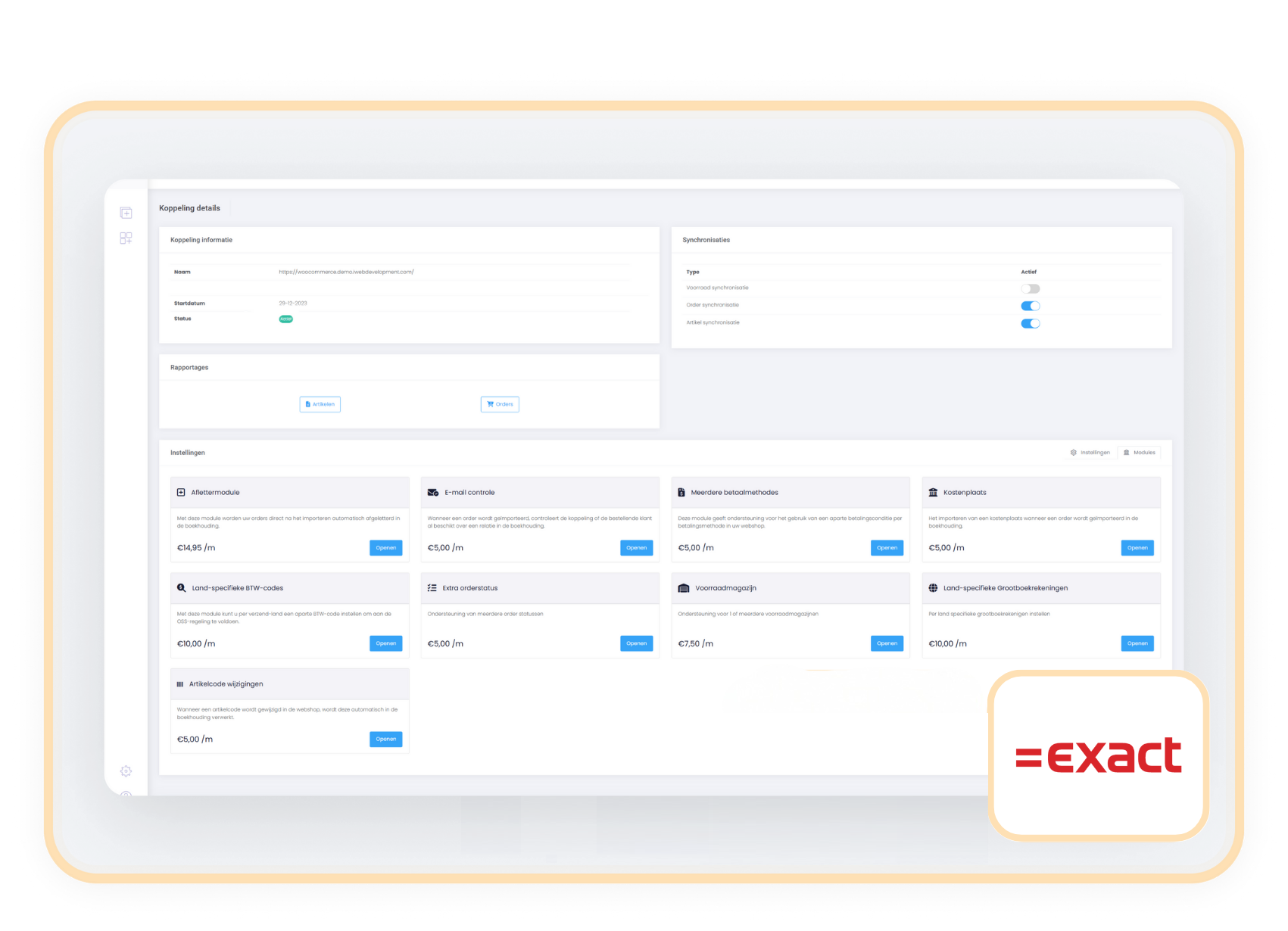
exact-icon

Automate the reconciliation of your webshop sales and stay in control of your outstanding items.

Prevent mistakes and save plenty of time by automating the manual work.

module automatisch factureren exact online

Manually linking payments to outstanding items is a thing of the past. 

With the iWebdevelopment Reconciliation Module, all your orders are booked automatically and reconciled directly in your bookkeeping. This way, loose outstanding items are a thing of the past and your administration is updated automatically.

Ideal for organisations that want to work efficiently, make fewer mistakes and keep control of their financial processes. Discover the ease of automated reconciliation!

contact-icon Costs

The Reconciliation Module is available as an addition to your existing subscription. You pay a fixed amount per month for it and are not limited in the number of transactions you can reconcile.

€ 14.95 / month

contact-icon How do you activate the module?

You activate the reconciliation module entirely on your own in a few simple steps.

  1. Choose settings in your control panel and click the 'modules' tab
  2. Select the reconciliation module and fill in your details.
  3. Save and the reconciliation process starts automatically.

contact-icon Compatibility

The Reconciliation Module works independently of your webshop and connects smoothly with the most commonly used payment methods and Payment Service Providers (PSPs). You connect the module easily to your existing webshop, regardless of which payment system you use.
iWebDevelopment Exact_Woo

Frequently asked questions

Can't find your question here?

How does the reconciliation module work and what exactly does it do?

The reconciliation module for Exact Online automates the entire process of linking payments to invoices, so you no longer have to do any manual work. As soon as an order is imported and the payment is completed, the module goes through the following steps:

  • Automatic invoicing – The sales invoice is created and processed in the sales journal.
  • Generating a journal entry – The module automatically creates a journal entry to process the payment correctly.
  • Booking to the PSP suspense account – The amount is automatically booked to the correct PSP suspense account, so no outstanding items are left behind.
  • Finally, all you need to do is balance the PSP suspense account by processing your PSP's monthly transaction cost invoice. This keeps your administration fully aligned with your payments.
Thanks to this automation, you save time, prevent mistakes and ensure that your administration is always up to date.

How do I install this module?

Within a few minutes you can activate and use the reconciliation module for Exact Online. Follow these three simple steps:

  • Go to the settings – In the control panel, go to ‘Settings’ and open the ‘Modules’ tab.
  • Activate the Reconciliation module – Select the Reconciliation module and fill in the required details.

    For this you will need:
    • General ledger number of the PSP suspense account
    • General ledger number of the accounts receivable account
    • General ledger number of the price differences account
    • Journal code of the sales journal
    • Journal code of the general journal
  • Confirm and start – Check the entered details and click ‘Change’ to activate the module.
Once the module is set up and a new order comes in, the payment is automatically matched with the correct outstanding item in Exact Online.

Which Payment Service Providers do you support?

The reconciliation module supports the processing of sales through all major Payment Service Providers (PSPs), including:

  • Mollie
  • Adyen
  • Pay
  • Amazon
  • Bol
  • PayPal
  • Shopify Payments
  • Riverty
  • Stripe
How does this work?
The module processes the sales per payment method (or PSP) and automatically books these to the correct suspense account in your bookkeeping. As soon as you import the payouts from your PSP or bank into Exact Online, you can easily connect them yourself to the correct suspense account.

Do you work with a different PSP? No problem! Our module supports a wide range of payment providers through the accounting setup.

Related modules

Alle modules de eerste 90 dagen gratis!

Begin met een vliegende start en ervaar hoe onze handige modules jouw processen nog efficiënter maken!
https://144641067.fs1.hubspotusercontent-eu1.net/hubfs/144641067/logos/exact-icon.svg

Email Controle

+ module

€ 6,00/maand

Details

https://144641067.fs1.hubspotusercontent-eu1.net/hubfs/144641067/logos/exact-icon.svg

BTW-nummer controle

+ module

€ 6,00/maand

Details

https://144641067.fs1.hubspotusercontent-eu1.net/hubfs/144641067/logos/exact-icon.svg

Klantclassificatie

+ module

€ 6,00/maand

Details

https://144641067.fs1.hubspotusercontent-eu1.net/hubfs/144641067/logos/exact-icon.svg

Verzameldebiteur

+ module

€ 6,00/maand

Details