








Connect orders to one warehouse while showing the stock of all your warehouses on your webshop with the Multiple warehouses module
Always show your total stock on your webshop, while you connect your webshop orders to a preferred warehouse.

Never manually rebook warehouse assignments again and keep maximum stock visibility without logistical confusion.
Do you work with multiple warehouses in your accounting, but want to connect all webshop orders to one specific warehouse by default? Then the Multiple warehouses module is exactly what you need. You designate one preferred warehouse, for example your main warehouse, and all online orders are automatically connected to it.
At the same time, the stock shown in the webshop remains based on the combined stock of all warehouses. Customers always see the full availability, while you have internal clarity about which warehouse you fulfil orders from.
Costs
The Multiple warehouses module is available as an addition to your existing subscription. You pay a fixed amount per month for this.
€ 7,50 / month
How do you activate the module?
You activate the Multiple warehouses module entirely on your own in a few simple steps.
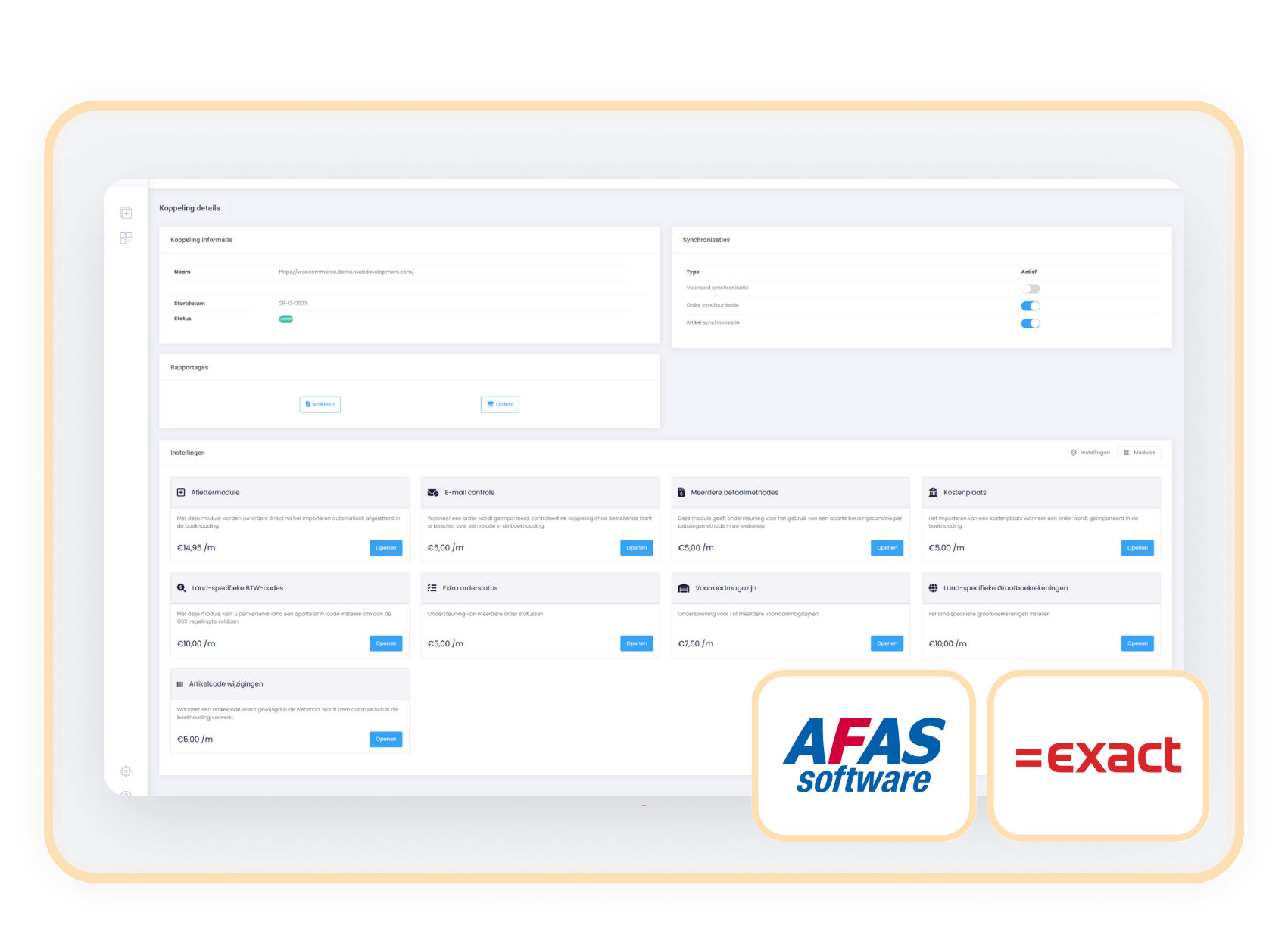
- Choose settings in your control panel and click the 'modules' tab
- Select the Multiple warehouses module and fill in your details.
- Save and the Multiple warehouses module is automatically active.
Compatibility
The Multiple warehouses module is available for connectors with AFAS and Exact Online.
When should you choose the
Multiple warehouses module?
For example: all online orders go through warehouse A, while you also use warehouses B and C for other purposes.
Internal simplicity, external availability: your stock is correct on both sides.
Then this "light" variant of the Select stock warehouse module is sufficient and more cost-effective.