








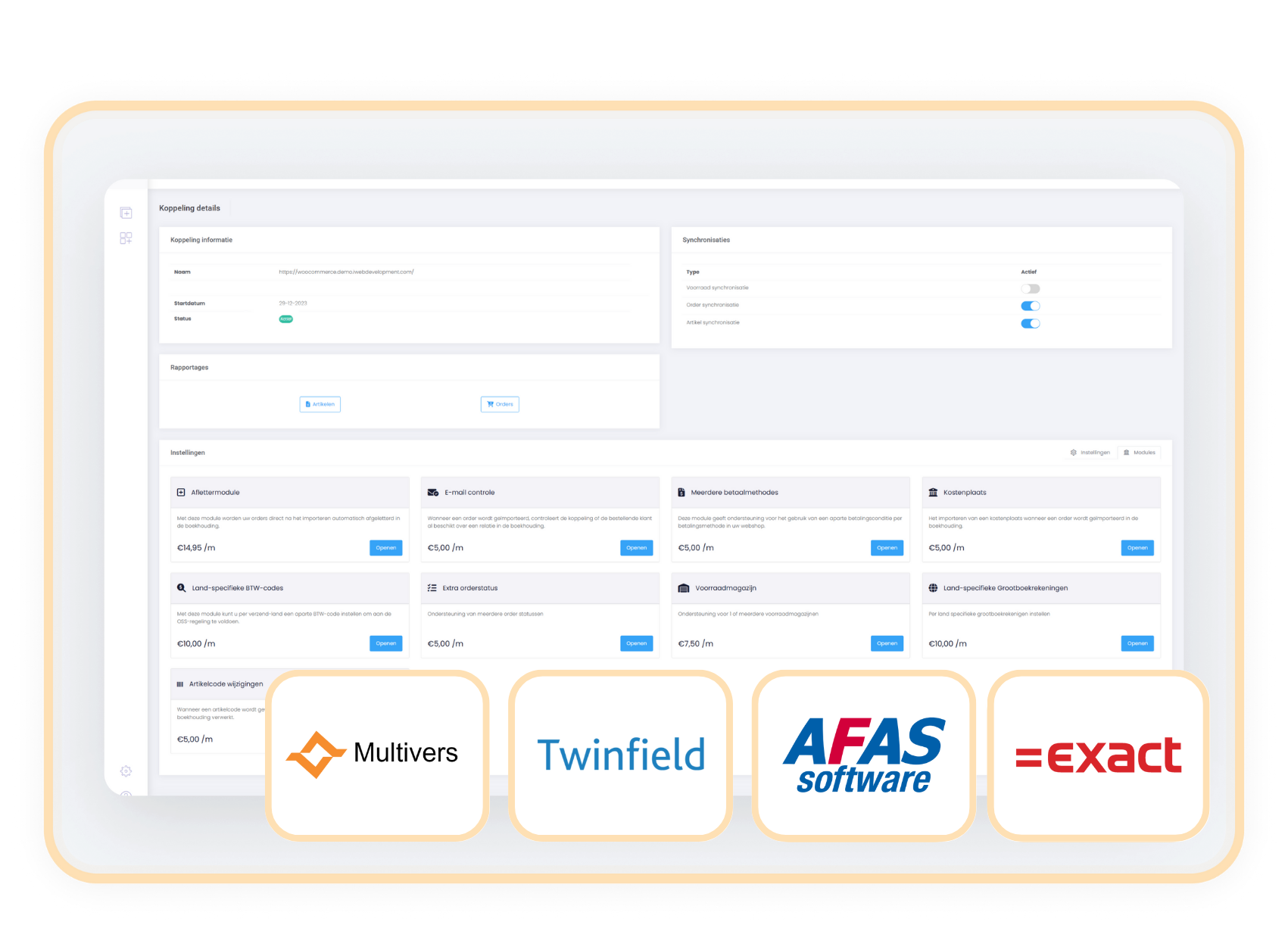
Afas-Exact-Twinfield-Multivers

Gain insight into the use of the payment methods you offer with the Multiple payment methods module

Recognise at a glance which payment methods have been used, which one brings in the most revenue or where the bottlenecks are.

module meerdere betaalmethodes exactonline afas twinfield multivers

With the Multiple payment methods module you automatically register the chosen payment method for each order, so you get more out of your financial administration.

When you offer several payment methods in your webshop, the Multiple payment methods module lets you see in your bookkeeping how each order was paid. The module registers every order paid via iDEAL, credit card, PayPal, Bancontact or another method separately.

The module makes it possible to report, analyse and check payments more precisely, because they no longer fall under one collective name (webshop payment). You see at a glance which payment method customers use most, where revenue comes from and which payment methods may cause delays or problems.

With the Multiple payment methods module you get more grip on your cash flow with clear insight per payment method.

contact-icon Costs

The Multiple payment methods module is available as an addition to your existing subscription. You pay a fixed amount per month for it.

€  5.00 / month

contact-icon How do you activate the module?

You activate the Multiple payment methods module entirely yourself in a few simple steps.

  1. Choose settings in your control panel and click on the 'modules' tab
  2. Select the Multiple payment methods module and fill in your details.
  3. Save and the Multiple payment methods module is automatically active.

contact-icon Compatibility

The Multiple payment methods module is available for connectors with AFAS, Twinfield, Multivers and Exact Online. 

Afas-Exact-Twinfield-Multivers

When should you choose the
Multiple payment methods module?

You want to be able to analyse your payments.

You want to get a clear view of which payment methods bring in the most revenue or where outstanding payments most often get stuck.

You want less manual work when checking payments.

You see at a glance whether a payment matches the transaction in the webshop. 

You want to make the payment method visible on invoices or in reports.

Handy for both internal control and customer communication. 

You need to distinguish between payment methods in your bookkeeping instead of just the standard 'webshop payment'.

Without this module you get no detailed insight into payment behaviour.

Related modules

Alle modules de eerste 90 dagen gratis!

Begin met een vliegende start en ervaar hoe onze handige modules jouw processen nog efficiënter maken!
https://144641067.fs1.hubspotusercontent-eu1.net/hubfs/144641067/logos/exact-icon.svg

Aflettermodule

+ module

€ 17,50/maand

Details

https://144641067.fs1.hubspotusercontent-eu1.net/hubfs/144641067/logos/exact-icon.svg

BTW-nummer controle

+ module

€ 6,00/maand

Details

https://144641067.fs1.hubspotusercontent-eu1.net/hubfs/144641067/logos/exact-icon.svg

Klantclassificatie

+ module

€ 6,00/maand

Details

https://144641067.fs1.hubspotusercontent-eu1.net/hubfs/144641067/logos/exact-icon.svg

Verzameldebiteur

+ module

€ 6,00/maand

Details