








Process international currency automatically and without errors in your accounting with the Foreign Currency module
Ensure a complete and balanced accounting for international orders.

Without the Foreign Currency module, orders in international currencies are often booked incorrectly.
Do you sell products in multiple currencies, such as USD, GBP or CHF? Then you need the Foreign Currency module to synchronise these sales correctly with your accounting. The module registers not only the order, but also the exact amount in the currency used. This way you always have accounting that is correct and a fully transparent revenue.
In combination with the Exchange Rates module, amounts are also converted at current rates, so you always book the amount in your own currency correctly too.
Avoid manual conversion, double work and errors, while all your sales simply appear in your financial reporting. A must-have for every webshop with international customers.
Costs
The Foreign Currency module is available as an addition to your existing subscription. You pay a fixed amount per month for it.
€ 7.50 / month
How do you activate the module?
You activate the Foreign Currency module entirely by yourself in a few simple steps.
- Choose settings in your control panel and click on the 'modules' tab
- Select the Foreign Currency module and fill in your details.
- Save and the Foreign Currency module is automatically active.
Compatibility
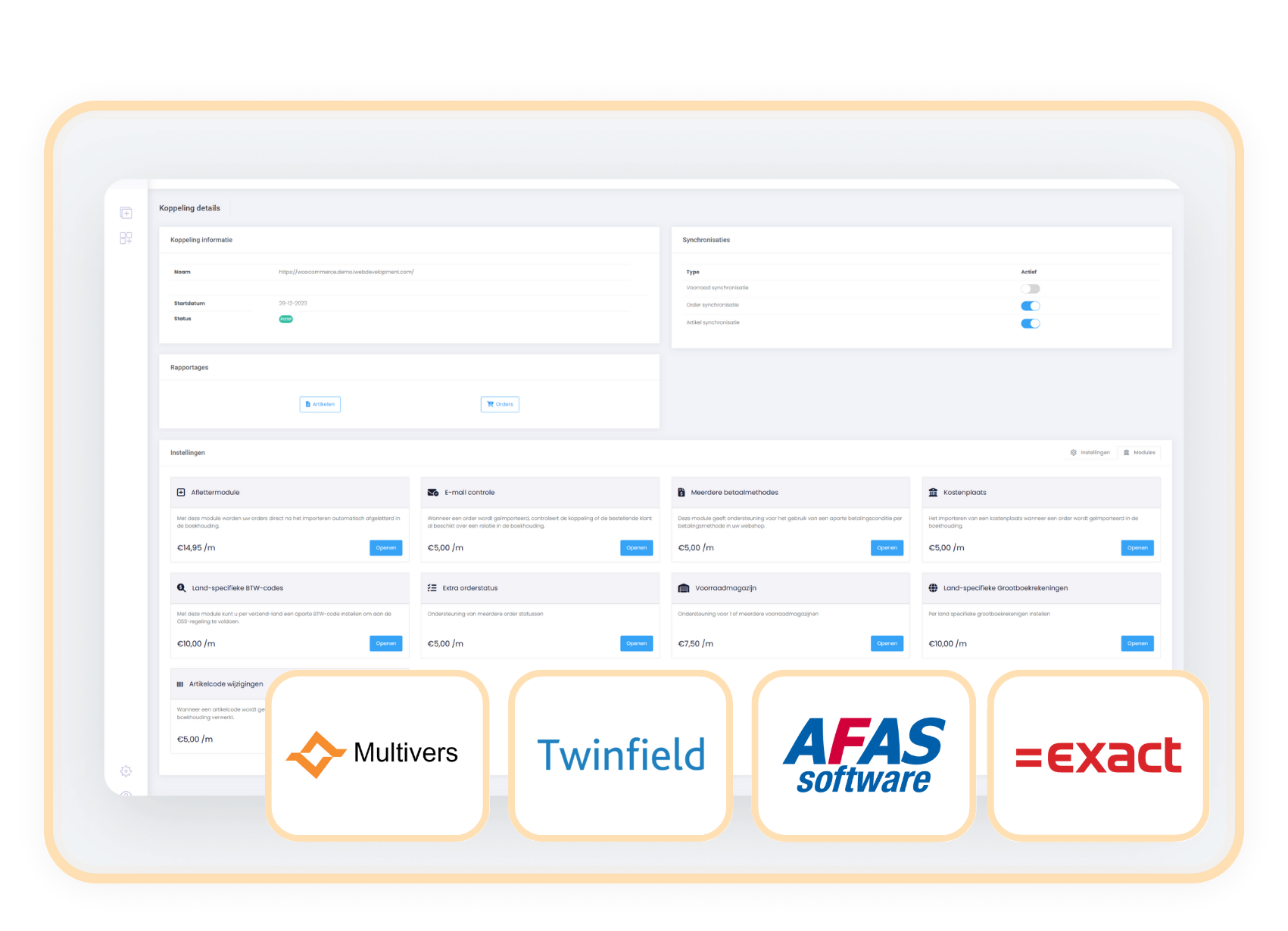
The Foreign Currency module is available for connectors with AFAS, Exact Online, Twinfield and Multivers.
When should you choose the
Foreign Currency module?
Without this module, non-euro orders are often booked incorrectly.
With the Foreign Currency module, manual conversion is a thing of the past.
With the Foreign Currency module, reports become transparent, clear and easy to check.