








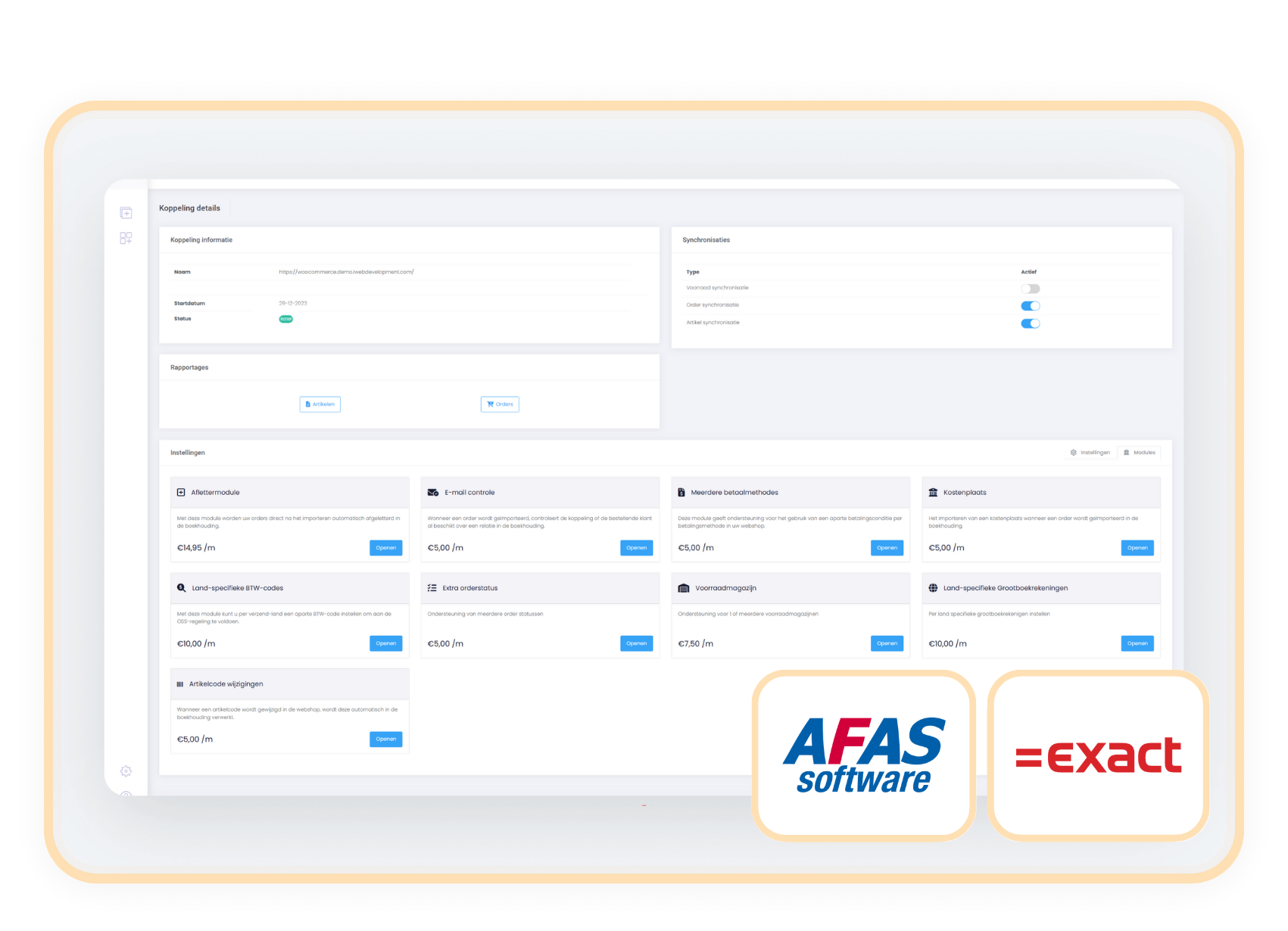
Get instant insight: webshop orders automatically assigned to a cost center or cost unit.
Every new webshop order automatically receives a recognizable cost center or cost unit in your bookkeeping.

You keep an overview of your revenue streams, sales channels or customer groups by automatically placing orders into a cost center or cost unit.
Get extra insight into your revenue distribution so you can report more easily and quickly. For example per channel, customer group or country. Handy when you work with multiple sales channels or product groups.
The Cost Center/Cost Unit module automatically assigns every webshop order a cost center or cost unit in your bookkeeping. Think of labels such as 'Webshop', 'Amazon', or 'Retail NL'. This fixed value is filled in directly in the cost center or cost unit field in your bookkeeping.
The cost center and cost unit are functionally equivalent, both work as smart label fields in your financial administration. Together we choose which field is used, so the module always fits your setup.
Costs
The Cost Center/Cost Unit module is available as an addition to your existing subscription. You pay a fixed amount per month.
€ 5.00 / month
How do you activate the module?
With just a few clicks you activate the Cost Center/Cost Unit module and you can get started right away.
- Go to settings in your control panel and click the 'modules' tab
- Select Cost Center/Cost Unit, enter the desired value and save
-
From now on, every order is automatically given this categorization
Compatibility
The Cost Center/Cost Unit module works independently of the webshop. So you can easily activate the module as an addition to the connector between your webshop and Exact Online or AFAS.
When to choose the Cost Center/Cost Unit module
With this module you give every webshop order a fixed channel label. That way you see straight away whether revenue comes from your webshop, marketplace or physical store.
Use cost center and cost unit to segment on two levels, for example channel and country. This way you can analyze each segment precisely.
By applying the cost unit or cost center directly when processing orders, you prevent errors and keep your financial reports structured.