








Decide for yourself at which order status your orders are sent to your accounting
Do you use extra statuses in your webshop? With our module you easily set at which status an order is automatically imported into your accounting. This way you have full control and avoid manual work.

Do you want an order to go to the accounting only once it has a specific status, such as 'In production' or 'Backorder'? With this module you easily set at which (extra) statuses the connector imports an order.
Without this module only the standard statuses are recognised. With the Extra order status module you get the flexibility to work with additional statuses as well.
This way you keep a grip on your order process and you avoid having to process orders manually in your accounting.
Costs
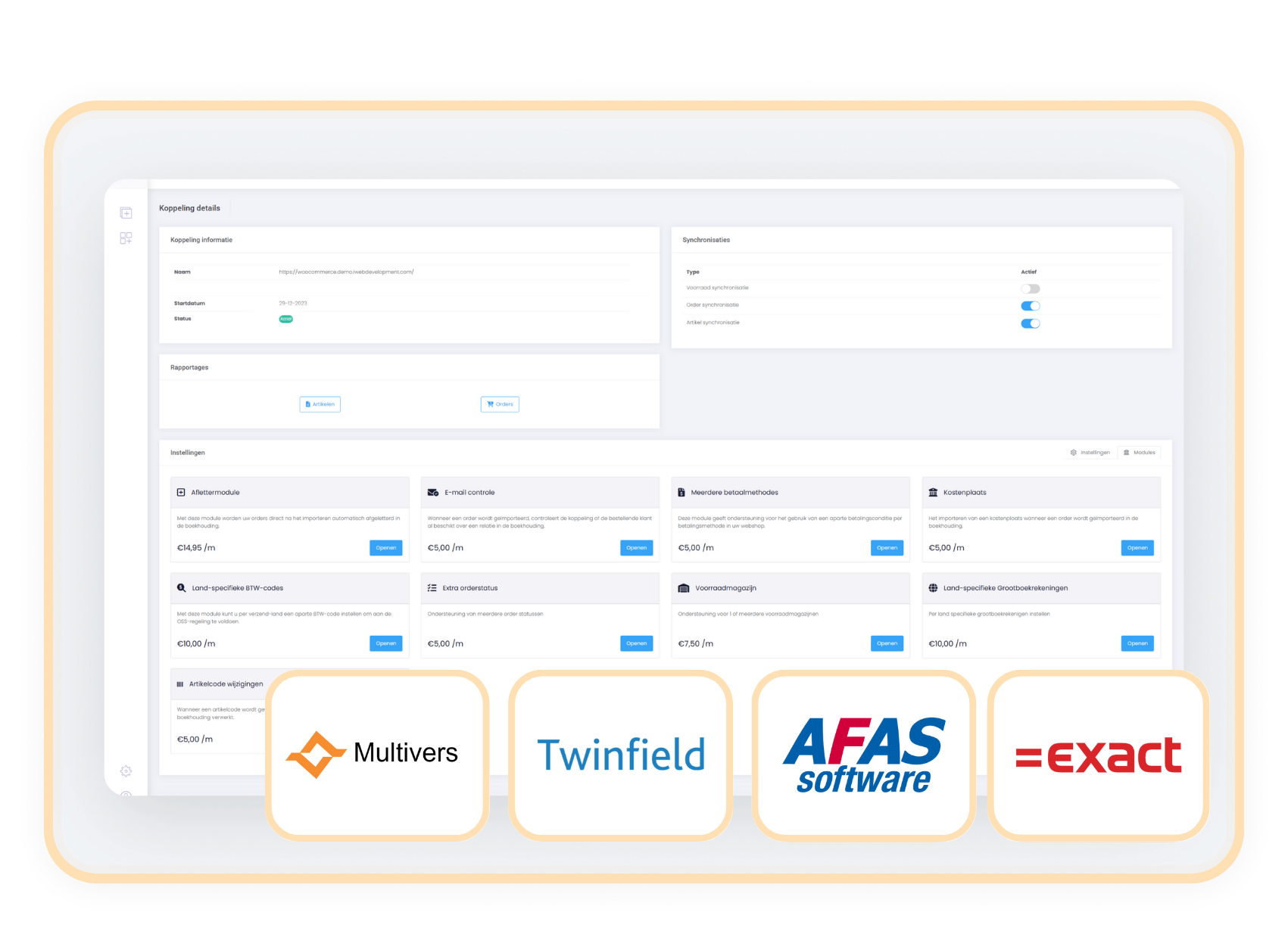
The Extra order status module is suitable for Exact Online, Afas, Twinfield Multivers and available as an addition to your existing subscription. You pay a fixed amount per month.
€ 5,- / month
How do you activate the module?
You easily add the Extra Order status module yourself in the control panel.
- Choose settings in your control panel and click on the 'modules' tab
- Select the Extra order status module and fill in your details.
- Save and the Extra order status module is automatically active.
Compatibility
The Extra order status module works independently of your webshop and can be used with Exact Online, AFAS, Twinfield and Multivers.
When should you choose the Extra order status module?
With this module you align order statuses across all your systems. This keeps your workflow efficient and your reports always up to date.
Besides the standard statuses such as 'pending', 'processing' and 'completed', do you also use your own statuses, for example 'in production'? With this module you decide for yourself at which (extra) order status an order goes to the accounting. This way the connector always fits your workflow.