








Process international currency automatically and flawlessly in your accounting with the Foreign Currency module
Ensure complete, comprehensive accounting for international orders.

Without the Foreign Currency module, orders in international currency are often booked incorrectly.
Do you sell your products in multiple currencies, such as USD, GBP, or CHF? Then you need the Foreign Currency module to synchronize these sales properly with your accounting. The module not only records the order, but also the exact amount in the currency used. This way, you always have an accounting that is accurate and a fully transparent turnover.
In combination with the Exchange Rates module, amounts are also converted at current rates, so you always record the amount in your own currency correctly.
Avoid manual conversion, double work, and errors, while you see all sales reflected in your financial reporting. A must-have for every webshop with international customers.
Costs
The Foreign Currency module is available as an addition to your existing subscription. You pay a fixed amount per month for this.
€ 7,50 / month
How do you activate the module?
You can activate the Foreign Currency module yourself in a few simple steps.
- Select settings in your control panel and click on the 'modules' tab
- Select the Foreign Currency module and enter your details.
- Save and the Foreign Currency module is automatically active.
Compatibility
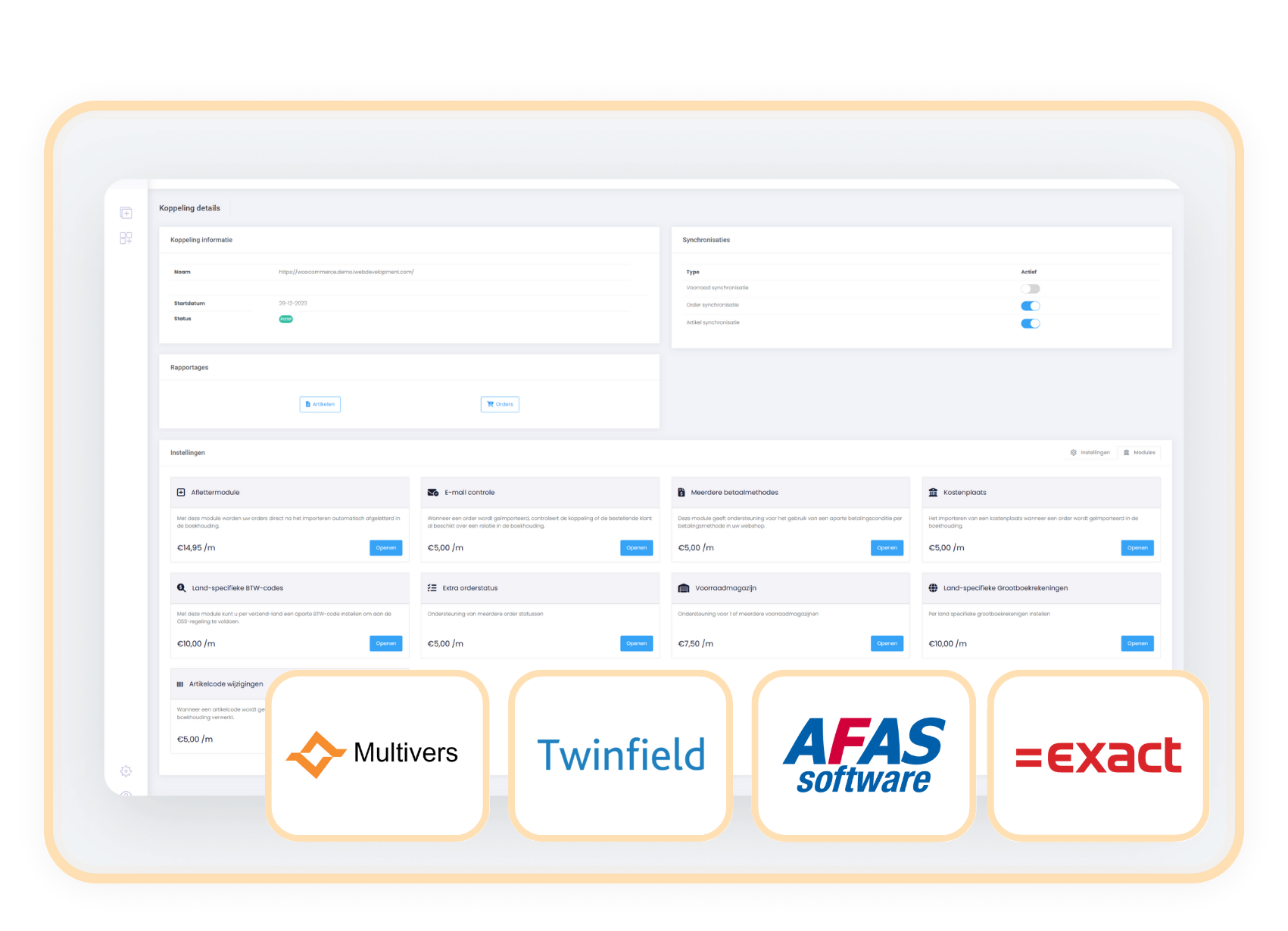
The Foreign Currency module is available for connectors with AFAS, Exact Online, Twinfield, and Multivers.
When to choose the
Foreign Currency Module?
Without this connector, non-euro orders are often booked incorrectly.
With the Foreign Currency module, manual conversion is a thing of the past.
With the Foreign Currency connector, reports become transparent, clear, and easy to verify.