








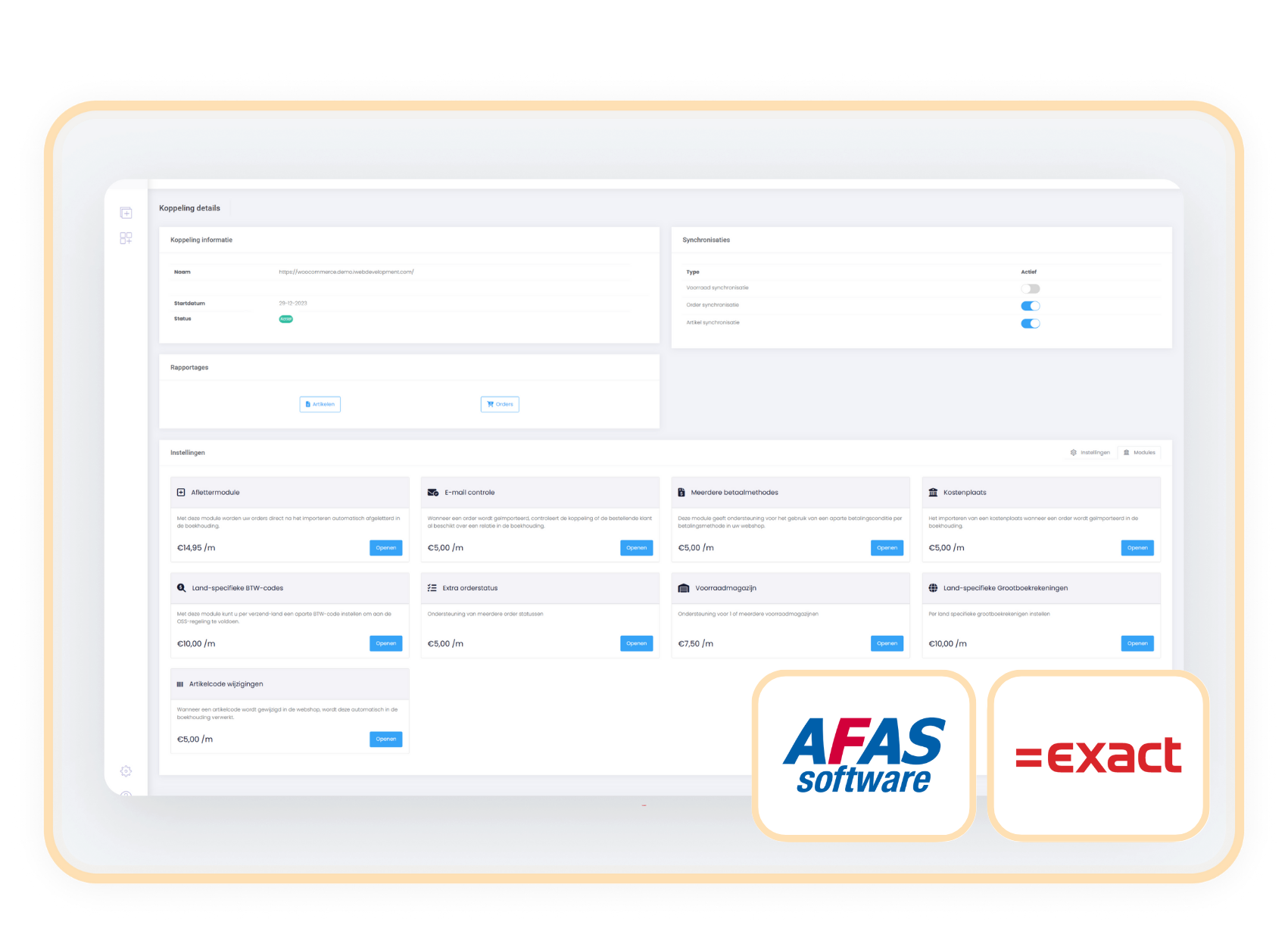
Connect your webshop to the right warehouse with the Inventory Warehouse Select module
Book orders at the correct location and send only the inventory from one selected warehouse to your webshop.

The Select Inventory Warehouse module connects your webshop to a specific warehouse in accounting. This way, you only display the stock that is relevant for online sales and book your webshop orders directly at the correct inventory location.
Keep your inventory clear and prevent errors with the Inventory Warehouse Selection connector. Connect your online store to a specific warehouse and only show that inventory in your webshop. Orders are automatically booked at the correct location in your accounting, keeping everything organized, error-free, and efficient.
Without this connector, inventory from all warehouses is added together, leading to confusion and incorrect stock levels. This connector prevents that. Your webshop only displays relevant inventory and your administration remains accurate without manual adjustments or later movements.
Costs
The Stock Warehouse Selector module is available as an addition to your existing subscription.
€ 7,50 / month
How do you activate the module?
You can easily activate the module: Select Inventory Warehouse yourself in your control panel:
- Go to settings in your control panel and click on the 'modules' tab
- Select 'Select Inventory Warehouse', choose the correct warehouse and save
-
From now on, stock and order processing are automatically linked to this warehouse
Compatibility
The Select warehouse stock-module operates independently of the webshop. You can easily activate it as an addition to your connector between Exact Online or AFAS and your webshop, regardless of the platform you use.
When to choose the Stock Warehouse Selection Module
You want to prevent inventory from unsuitable locations (such as physical stores or external depots) from being visible in your webshop. This module ensures that only the correct warehouse is connected.
With this module, orders are booked directly on the chosen warehouse. Orders no longer need to be manually moved in the accounting.
Prevent stocks from other warehouses from being shown as available. The webshop only shows the inventory of your chosen warehouse.
Without this module, the stock of all warehouses is totaled. This quickly leads to incorrect webshop information and extra work in your administration.