







Afas-Exact-Twinfield

With the Revenue Tracking per Country module, you automatically keep your revenue separated by country of delivery.

No more manual revenue splitting: everything is automatically divided by country.

module omzetrekening per land exactonline afas twinfield

With the Revenue by Country module, orders are automatically booked to the correct ledger account based on the delivery country.

This ensures that you always have direct insight into your revenue distribution per EU country, without having to filter, export, or correct afterwards.

Based on the delivery address of a webshop order, the module automatically books the revenue from your orders on a country-specific ledger account. You determine yourself per EU country which account number should be used, so that your accounting always matches the geographic origin of your revenue. This is not only convenient for internal analyses, but also essential for making correct VAT declarations per country. Especially if you work with country-specific VAT rates or OSS declarations.

The Revenue Accounting per Country module not only saves time, but also ensures that your financial administration directly aligns with your VAT reports per country. 

contact-icon Costs

The Revenue by Country module is available as an addition to your existing subscription. You will pay a fixed amount per month for this.

€  10,- / month

contact-icon How do you activate the module?

The Revenue Per Country module can be activated by yourself in a few simple steps.

  1. Select settings in your control panel and click on the 'modules' tab
  2. Select the Revenue Per Country module and enter your details.
  3. Save and the Revenue Per Country module is automatically active.

contact-icon Compatibility

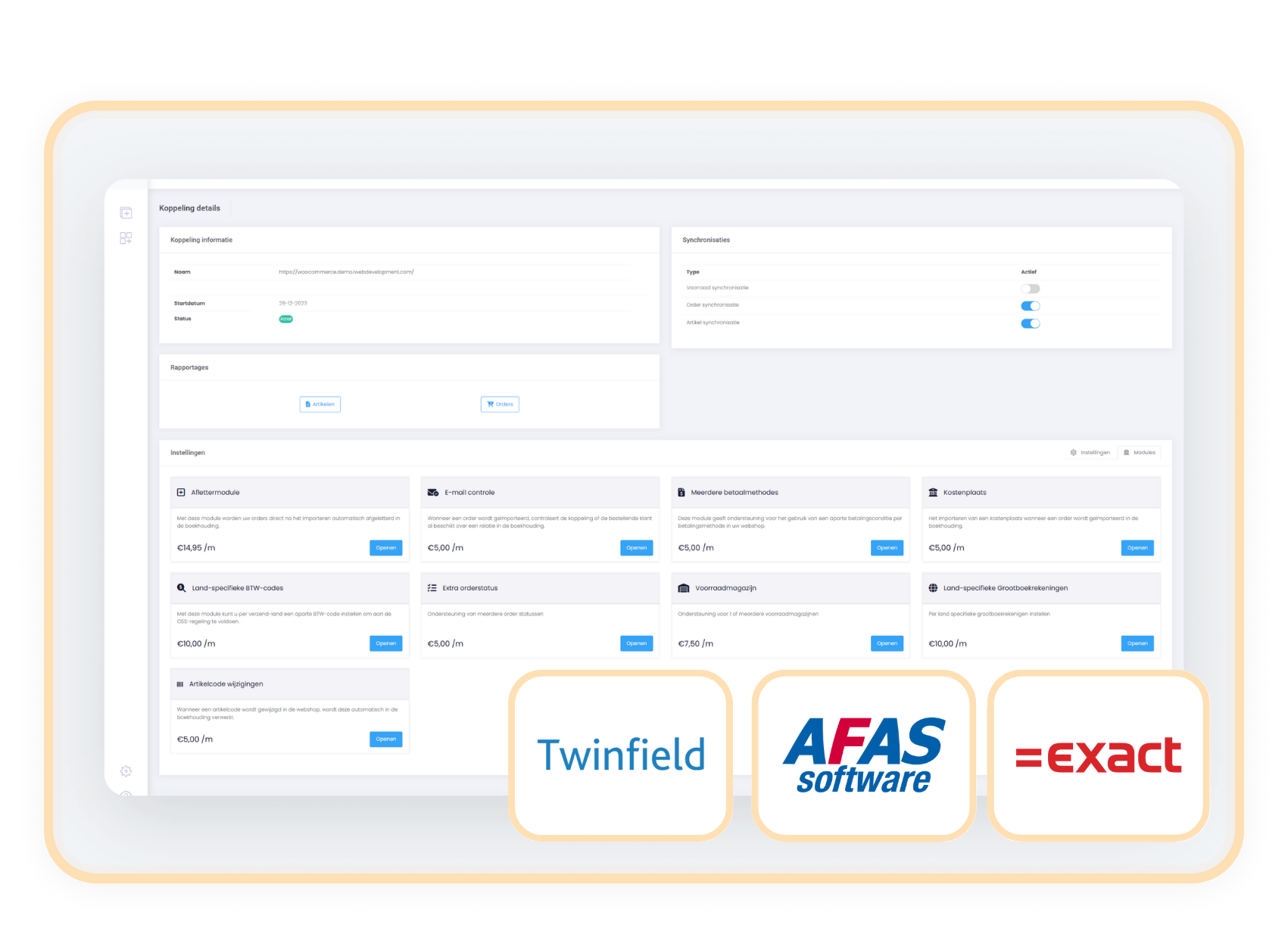
The Revenue by Country module is available for connectors with AFAS, Exact Online, and Twinfield.

Afas-Exact-Twinfield

When to choose the
Revenue by Country connector?

You sell to multiple EU countries and want to separate your revenue by country.

For example, for reports, internal management, or tax obligations.

You work with country-specific VAT codes.

In that case, a separate revenue account per country logically connects for clear financial segmentation.

You don't want to spend time filtering and correcting sales data afterwards.

The module books it directly to the correct revenue account, without extra manual work.

You use an accounting system in which you can set up a separate revenue account for each invoice/order.

Please note: this module only works for 'Financial' and 'Invoices' customers. For 'Trade' customers it is not possible to assign the ledger account. 

Related Modules

All modules free for the first 90 days!

Get off to a flying start and experience how our handy modules make your processes even more efficient!
https://144641067.fs1.hubspotusercontent-eu1.net/hubfs/144641067/logos/exact-icon.svg

Aflettermodule

+ module

€ 14,95/month

Details

https://144641067.fs1.hubspotusercontent-eu1.net/hubfs/144641067/logos/exact-icon.svg

BTW-nummer controle

+ module

€ 5,00/month

Details

https://144641067.fs1.hubspotusercontent-eu1.net/hubfs/144641067/logos/exact-icon.svg

Klantclassificatie

+ module

€ 5,00/month

Details

https://144641067.fs1.hubspotusercontent-eu1.net/hubfs/144641067/logos/exact-icon.svg

Verzameldebiteur

+ module

€ 5,00/month

Details