








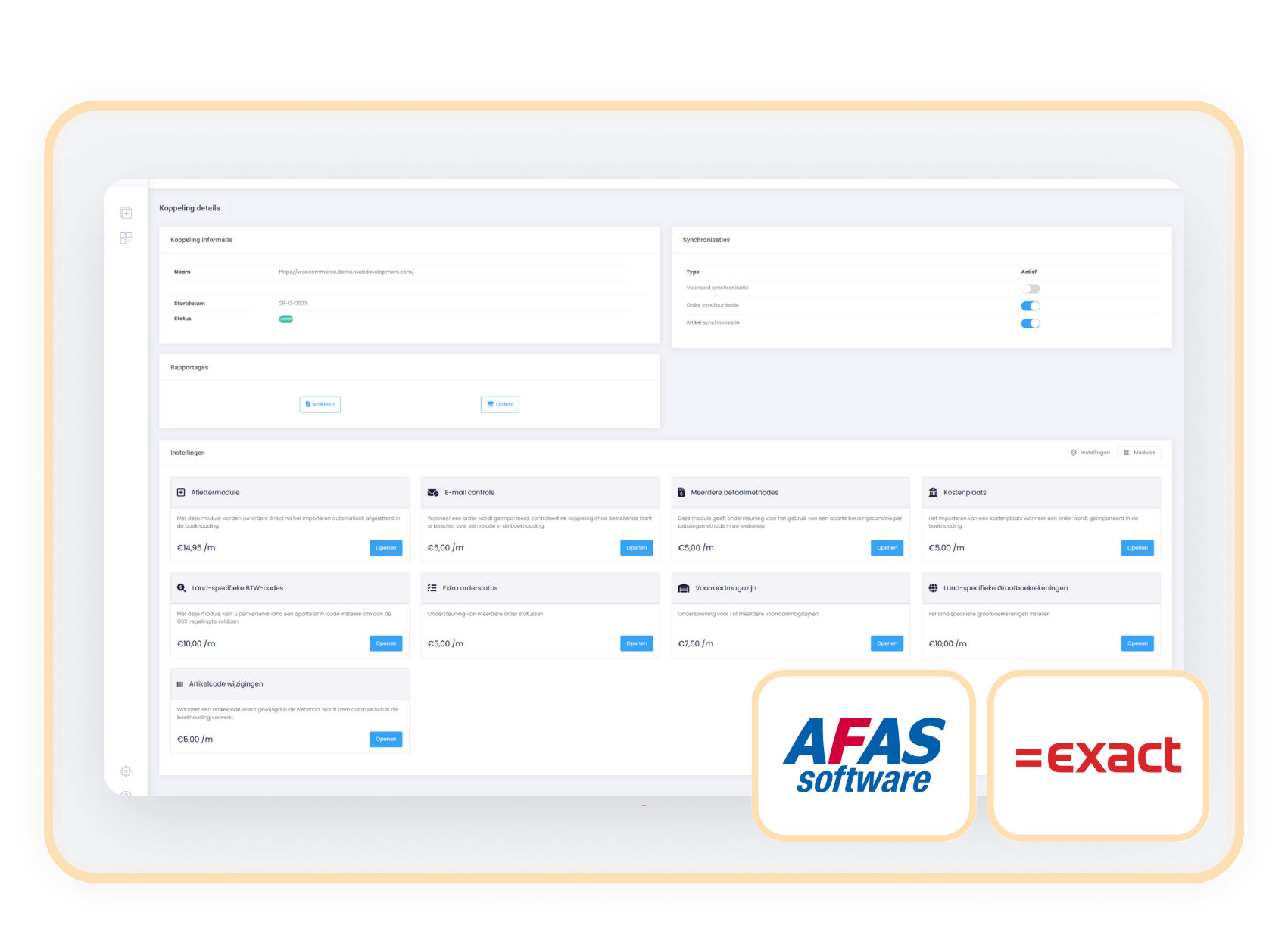
Afas-Exact

Link orders to a single warehouse while showing the inventory of all your warehouses on your webshop with the Multiple Warehouses module

Always display your total inventory on your webshop, while connecting your webshop orders to a preferred warehouse.

module meedere magazijnen exactonline afas

Never manually rebook warehouse allocations again and maintain maximum stock visibility without logistical confusion.

Do you work with multiple warehouses in your accounting but want to standardly connect all webshop orders to one specific warehouse? Then the Multiple Warehouses module is exactly what you need. You designate one preferred warehouse, for example, your main warehouse, and all online orders are automatically connected to it.

At the same time, the stock displayed in the webshop remains based on the combined inventory of all warehouses. Therefore, customers always see the full availability, while you internally have clarity on which warehouse you are delivering orders from.

contact-icon Costs

The Multiple Warehouses module is available as an addition to your existing subscription. You pay a fixed amount per month for this.

€  7,50 / month

contact-icon How do you activate the module?

You can activate the Multiple Warehouses module yourself in a few simple steps.

  1. Choose settings in your control panel and click on the 'modules' tab
  2. Select the Multiple Warehouses module and enter your details.
  3. Save and the Multiple Warehouses module is automatically active.

contact-icon Compatibility

The Multiple Warehouses module is available for connectors with AFAS and Exact Online. 

Afas-Exact

When to choose the
Multiple Warehouses module?

You have multiple warehouses in your accounting, but want to standardly process webshop orders from one warehouse.

For example: all online orders go through warehouse A, while you also use warehouse B and C for other purposes.

You want simplicity in your logistics process without inventory limitations for the customer.

Internal simplicity, external availability: your inventory is correct on both sides.

You do not need full warehouse selection per order, but you do need fixed allocation.

Then this “light” version of the Stock Warehouse Selection Module is sufficient and more economical.

Related modules

All modules free for the first 90 days!

Get off to a flying start and experience how our handy modules make your processes even more efficient!
https://144641067.fs1.hubspotusercontent-eu1.net/hubfs/144641067/logos/exact-icon.svg

Aflettermodule

+ module

€ 14,95/month

Details

https://144641067.fs1.hubspotusercontent-eu1.net/hubfs/144641067/logos/exact-icon.svg

BTW-nummer controle

+ module

€ 5,00/month

Details

https://144641067.fs1.hubspotusercontent-eu1.net/hubfs/144641067/logos/exact-icon.svg

Klantclassificatie

+ module

€ 5,00/month

Details

https://144641067.fs1.hubspotusercontent-eu1.net/hubfs/144641067/logos/exact-icon.svg

Verzameldebiteur

+ module

€ 5,00/month

Details