







Afas-Exact-Twinfield-Multivers

Gain insight into the use of the offered payment methods with the Multiple payment methods module

Identify at a glance which payment methods have been used, which generate the most revenue, or where bottlenecks occur.

module meerdere betaalmethodes exactonline afas twinfield multivers

Register with the Multiple Payment Methods connector to automatically record the chosen payment method per order, so that you get more out of your financial administration.

When you offer multiple payment methods in your webshop, you can also see in your accounting how each order is paid with the Multiple Payment Methods module. The module registers each order paid via iDEAL, credit card, PayPal, Bancontact, or another method, separately.

The module makes it possible to report, analyze, and monitor payments more specifically, as they are no longer grouped under one collective name (webshop payment). You see at a glance which payment method customers use the most, where revenue comes from, and which payment methods may cause delays or issues.

With the Multiple Payment Methods module, you gain more control over your cash flow with clear insight per payment method.

contact-icon Costs

The Multiple payment methods module is available as an addition to your existing subscription. You pay a fixed amount per month for this.

€  5,00 / month

contact-icon How do you activate the module?

The Multiple Payment Methods module can be activated by yourself in a few simple steps.

  1. Choose settings in your control panel and click on the 'modules' tab
  2. Select the Multiple Payment Methods module and enter your details.
  3. Save and the Multiple Payment Methods module will automatically be active.

contact-icon Compatibility

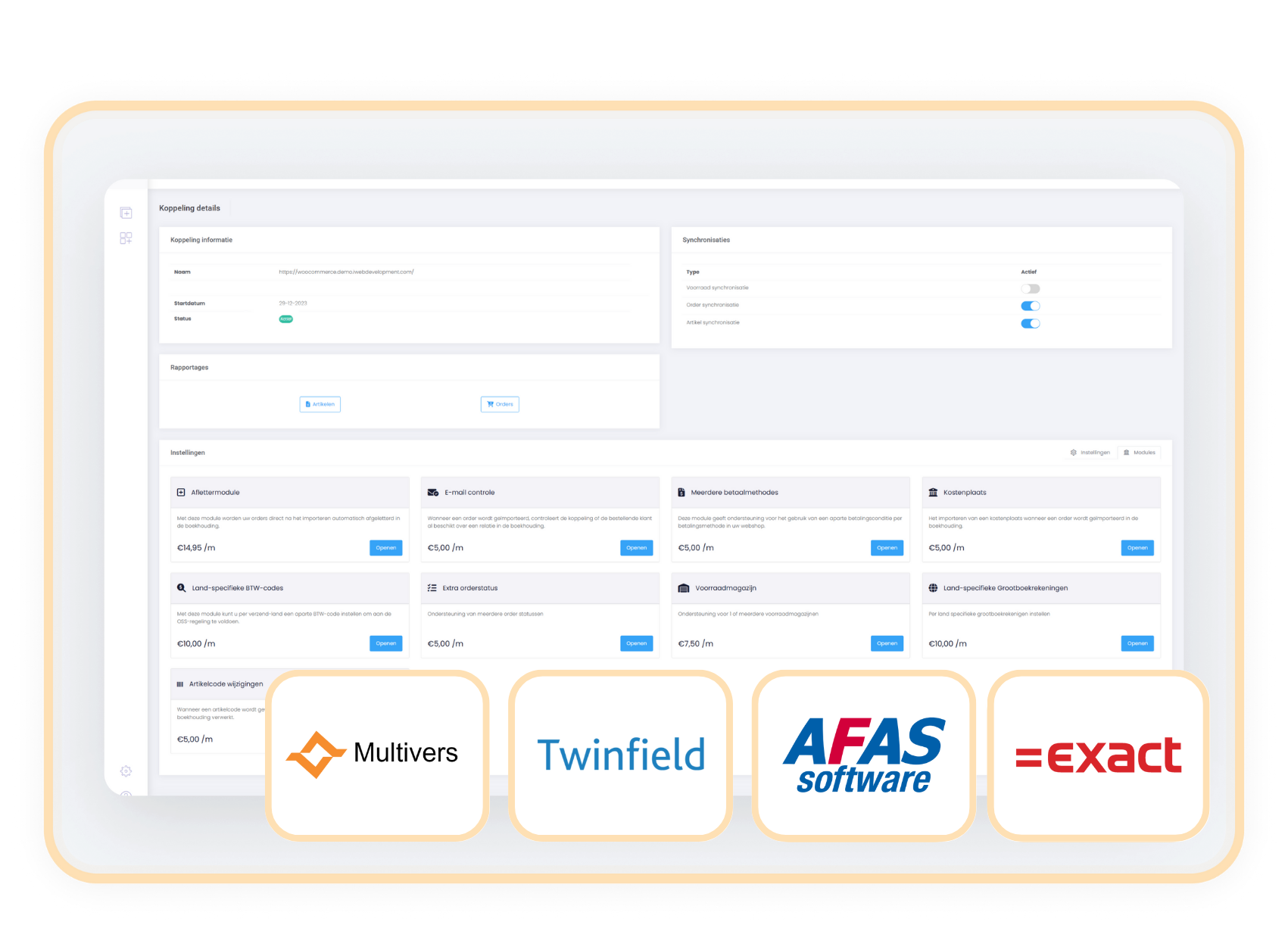
The Multiple Payment Methods module is available for connectors with AFAS, Twinfield, Multivers, and Exact Online. 

Afas-Exact-Twinfield-Multivers

When to choose the
Multiple payment methods module?

You want to be able to analyze your payments.

You want to identify which payment methods generate the most revenue or where unresolved payments most frequently occur.

You want less manual work when checking payments.

You can see at a glance whether a payment matches the transaction in the webshop. 

You want to make the payment method visible on invoices or in reports.

Useful for both internal control and client communication. 

You need to differentiate between payment methods in your accounting instead of just the standard 'webshop payment'.

Without this module, you will not get detailed insight into payment behavior.

Related modules

All modules free for the first 90 days!

Get off to a flying start and experience how our handy modules make your processes even more efficient!
https://144641067.fs1.hubspotusercontent-eu1.net/hubfs/144641067/logos/exact-icon.svg

Aflettermodule

+ module

€ 14,95/month

Details

https://144641067.fs1.hubspotusercontent-eu1.net/hubfs/144641067/logos/exact-icon.svg

BTW-nummer controle

+ module

€ 5,00/month

Details

https://144641067.fs1.hubspotusercontent-eu1.net/hubfs/144641067/logos/exact-icon.svg

Klantclassificatie

+ module

€ 5,00/month

Details

https://144641067.fs1.hubspotusercontent-eu1.net/hubfs/144641067/logos/exact-icon.svg

Verzameldebiteur

+ module

€ 5,00/month

Details