







Always the correct VAT code per country with the Country-specific VAT Module
Always use the correct VAT code for your OSS declaration, without manual actions.

The module for country-specific VAT codes automatically applies the correct VAT rate based on the country of delivery. This way, your administration perfectly aligns with the OSS scheme, without manual work or error-prone settings.
As soon as your customer places an order, the module recognizes the delivery country and automatically assigns the correct VAT rate. This prevents errors in your OSS declaration and ensures that your administration is always aligned. You no longer need to manually assign codes.
An essential module for any webshop that sells more than €10,000 to consumers in other EU countries annually. This way, you continue to comply with the OSS rules and keep control of your administration, fully automatically.
Costs
The country-specific VAT code module is available as an addition to your existing subscription. You pay a fixed amount per month and are not limited in the number of transactions.
€ 10,00 / month
How do you activate the module?
You can easily activate the country-specific VAT code module by yourself.
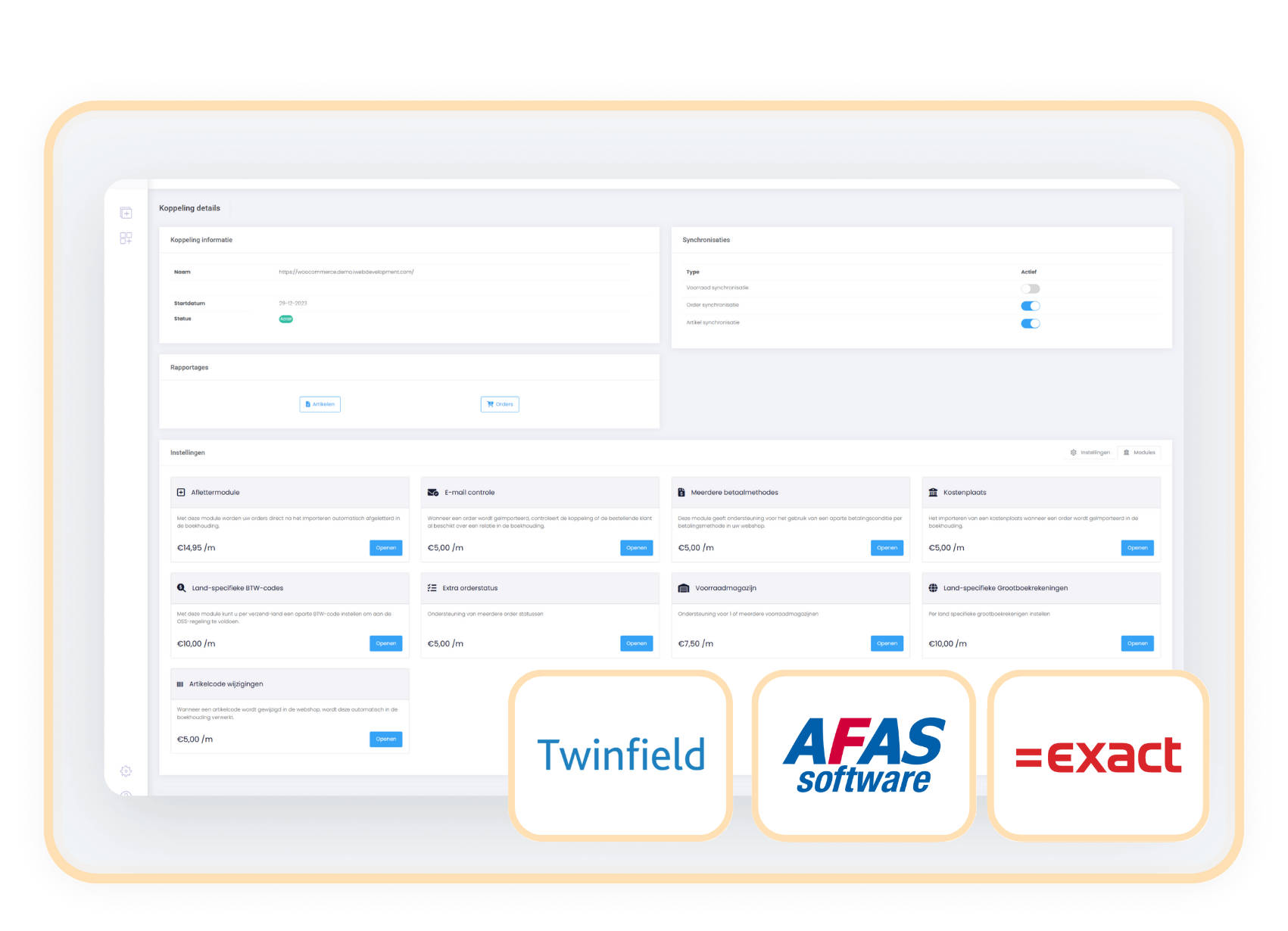
- Choose settings in your control panel and click on the 'modules' tab
- Select the country-specific VAT codes and enter your details.
- Save and the module works immediately.
Compatibility
The module for country-specific VAT codes operates independently of the webshop. This means that you can effortlessly activate the module as an addition to the connector between Exact Online, AFAS, or Twinfield with your webshop.
When to choose the country-specific VAT codes module
Then you are obligated to apply the local VAT rate of the destination country once you exceed the threshold of €10,000. This module fully automates that process and prevents errors in your OSS return.
With automatic VAT allocation based on the country of delivery, your accounting always aligns seamlessly. This way, you maintain control over your VAT obligations, without manual adjustments.