







Gain immediate insights: webshop orders automatically assigned to cost center or carrier.
Every new online shop order automatically receives a recognizable cost center or cost unit in your accounting.

You maintain an overview of your revenue streams, sales channels or customer groups by automatically placing orders in a cost center or carrier.
Get extra visibility on your revenue distribution so you can report easily and more quickly. For example, by channel, customer group, or country. Convenient when you are working with multiple sales channels or product groups.
The Cost Center/Cost Unit module automatically assigns a cost center or cost unit for each webshop order in your accounting. Consider labels like 'Webshop', 'Amazon', or 'Retail NL'. This fixed value is immediately filled in the cost center or cost unit field in your accounting.
The cost center and cost unit are functionally equivalent, both acting as smart label fields in your financial administration. In consultation, you choose which field is used, so that the module always fits your setup.
Costs
The Cost Center/Cost Unit module is available as an addition to your existing subscription. You pay a fixed amount per month.
€ 5.00 / month
How do you activate the module?
With just a few clicks you activate the Cost Center/Cost Unit module and you can start right away.
- Choose settings in your control panel and click on the 'modules' tab
- Select Cost Center/Cost Unit, enter the desired value and save
-
From now on, each order will automatically be provided with this categorization
Compatibility
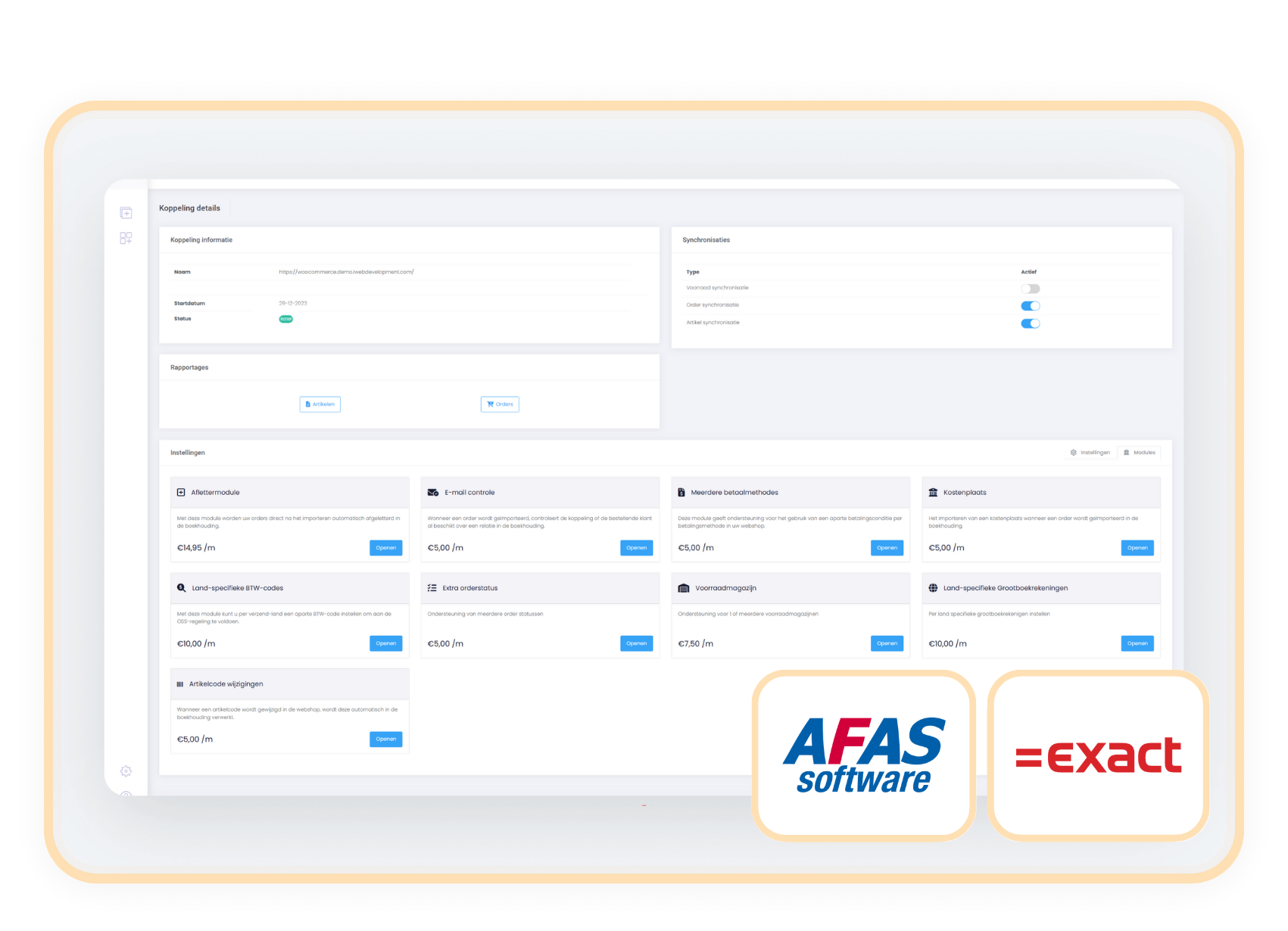
The Cost Center/Cost Carrier module works independently of the webshop. Therefore, you can easily activate the module as an addition to the connector between your webshop and Exact Online or AFAS.
When to Choose the Cost Center/Cost Carrier Module
With this module, you assign a consistent channel label to each webshop order. This allows you to immediately see if revenue comes from your webshop, marketplace, or physical store.
Use cost center and cost driver to segment on two levels, for example, channel and country. This allows you to analyze specifically per segment.
By applying the cost driver or cost center directly when processing orders, you prevent errors and keep your financial reports structured.