








Determine yourself at which order status you send your orders to your accounting
Do you use additional statuses in your webshop? With our module, you can easily set at which status an order is automatically imported into your accounting. This gives you complete control and prevents manual labor.

Do you want an order to only go to accounting when it's at a specific status, like ‘In production’ or ‘Backorder’? With this module, you can easily set which (additional) statuses will cause the connector to import an order.
Without this module, only the standard statuses are recognized. With the Extra Order Status module, you therefore have the flexibility to also work with additional statuses.
This allows you to maintain control over your order process and prevents you from having to manually process orders in your accounting.
Costs
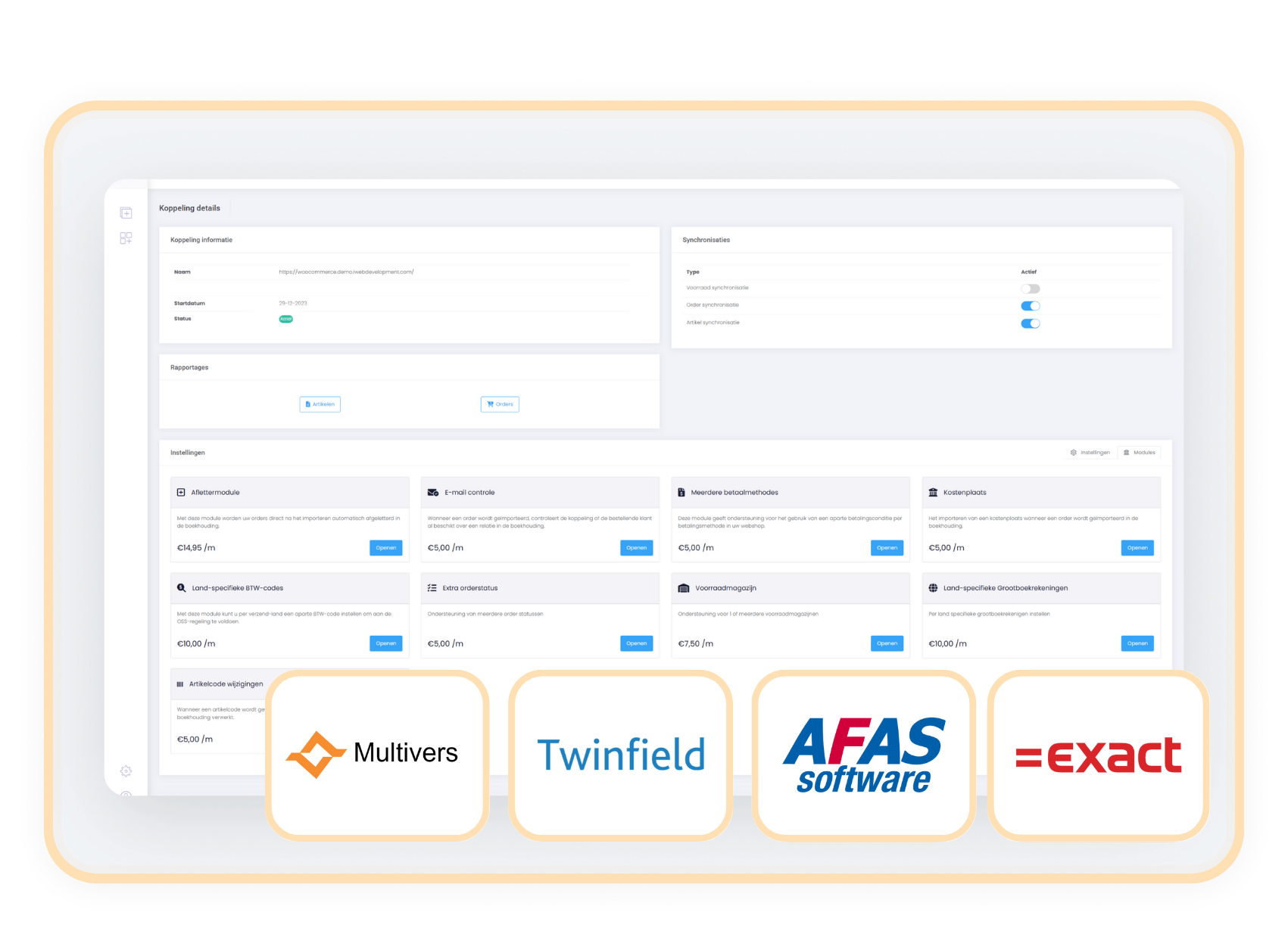
The Extra order status module is suitable for Exact Online, Afas, Twinfield Multivers and available as an addition to your existing subscription. You pay a fixed amount per month.
€ 5,- / month
How do you activate the module?
You can easily add the Extra Order Status module yourself in the control panel.
- Select settings in your control panel and click on the 'modules' tab
- Select the Extra Order Status module and enter your details.
- Save and the Extra Order Status module is automatically active.
Compatibility
The Extra Order Status module works independently of any webshop and supports use with Exact Online, AFAS, Twinfield, and Multivers.
When to choose the Extra order status module?
With this module, you align order statuses across all your systems. This keeps your workflow efficient and your reports always up-to-date.
Do you use custom statuses in addition to standard statuses such as 'pending', 'processing', and 'completed', like for example 'in production'? With this module, you can decide for yourself at which (additional) order status an order goes to accounting. This way, the connector always aligns with your workflow.