






Automatically generate invoices as soon as an order from the webshop is imported into the accounting system.
Avoid manual work, reduce errors, and have more time for your growth.

Without the Automatic Invoicing module, the order remains as a draft and you must manually process the invoice.
This not only takes time, but also increases the chance of errors in your accounting. Unnecessary therefore, and easily preventable with this module.
The module invoices your webshop orders as soon as they enter the accounting. An ideal module when you send invoices from your webshop to customers.
This ensures that both the inventory and the revenue are recorded, and your accounting is always completely up-to-date.
Costs
The Automatic Invoicing module is available as an addition to your existing subscription. You pay a fixed amount per month for this.
€ 10,- / month
How do you activate the module?
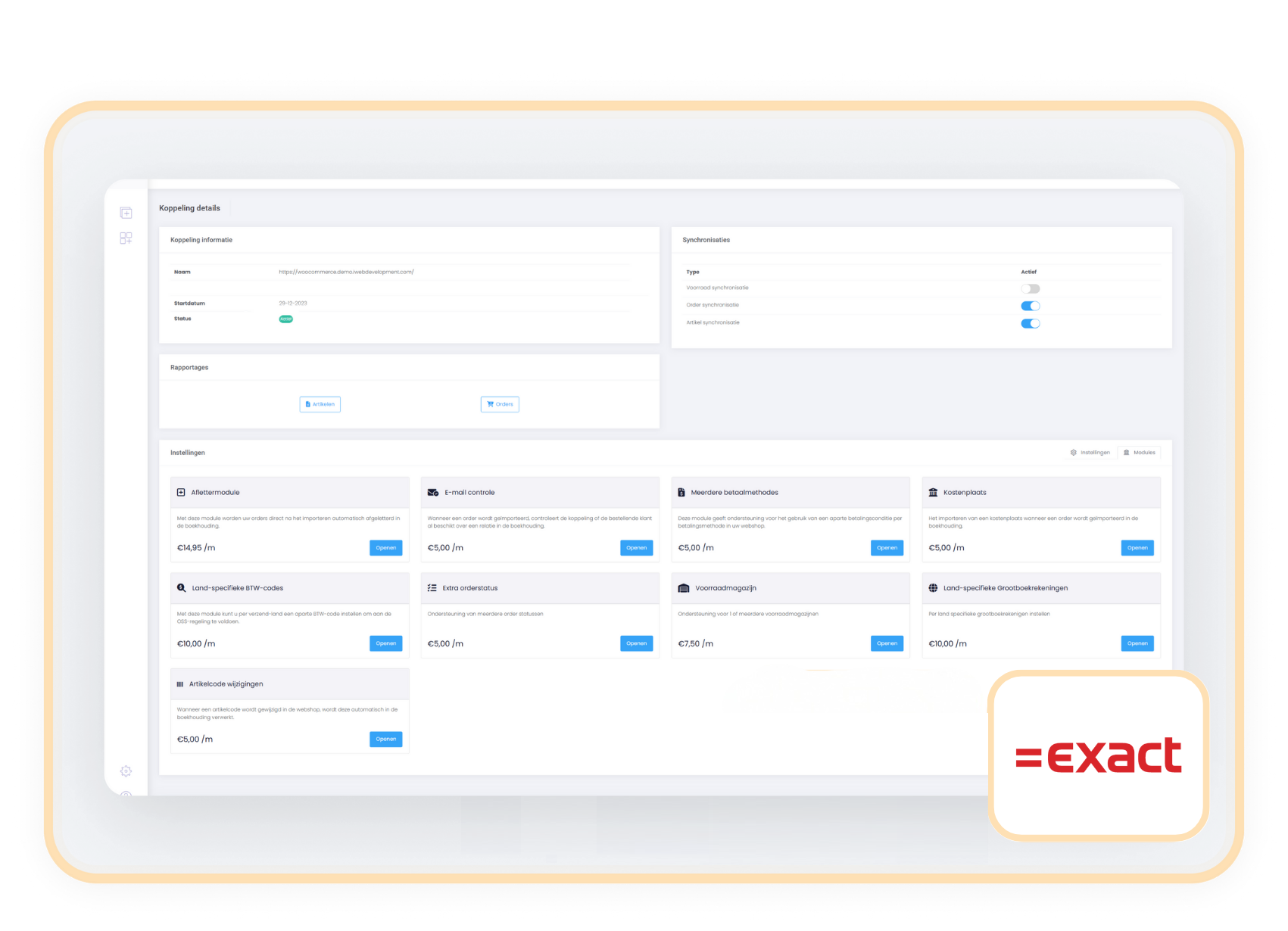
You can easily activate the Automatic Invoicing module yourself in your control panel.
- Choose settings in your control panel and click on the 'modules' tab
- Select the Automatic Invoicing module and enter your details.
- Save and the Automatic Invoicing module starts automatically.
Compatibility
The Automatic Invoicing module is available for customers with an Exact Online connector.
When to choose the Automatic Invoicing module?
When your webshop is set up to send invoices to your customers from there, then this module is very useful because it directly invoices your webshop orders in Exact Online or AFAS. This way, you no longer have to do it manually and you save time