






Automate the reconciliation of your webshop sales and maintain control over your outstanding items.
Prevent mistakes and save a lot of time by automating the manual work.

Manually connecting payments to outstanding items is a thing of the past.
With the iWebdevelopment Reconciliation Connector, all your orders are automatically booked and directly reconciled in your accounting system. This eliminates individual outstanding items and automatically updates your administration.
Ideal for organizations that want to work efficiently, make fewer mistakes, and maintain control over their financial processes. Discover the convenience of automated reconciliation!
Costs
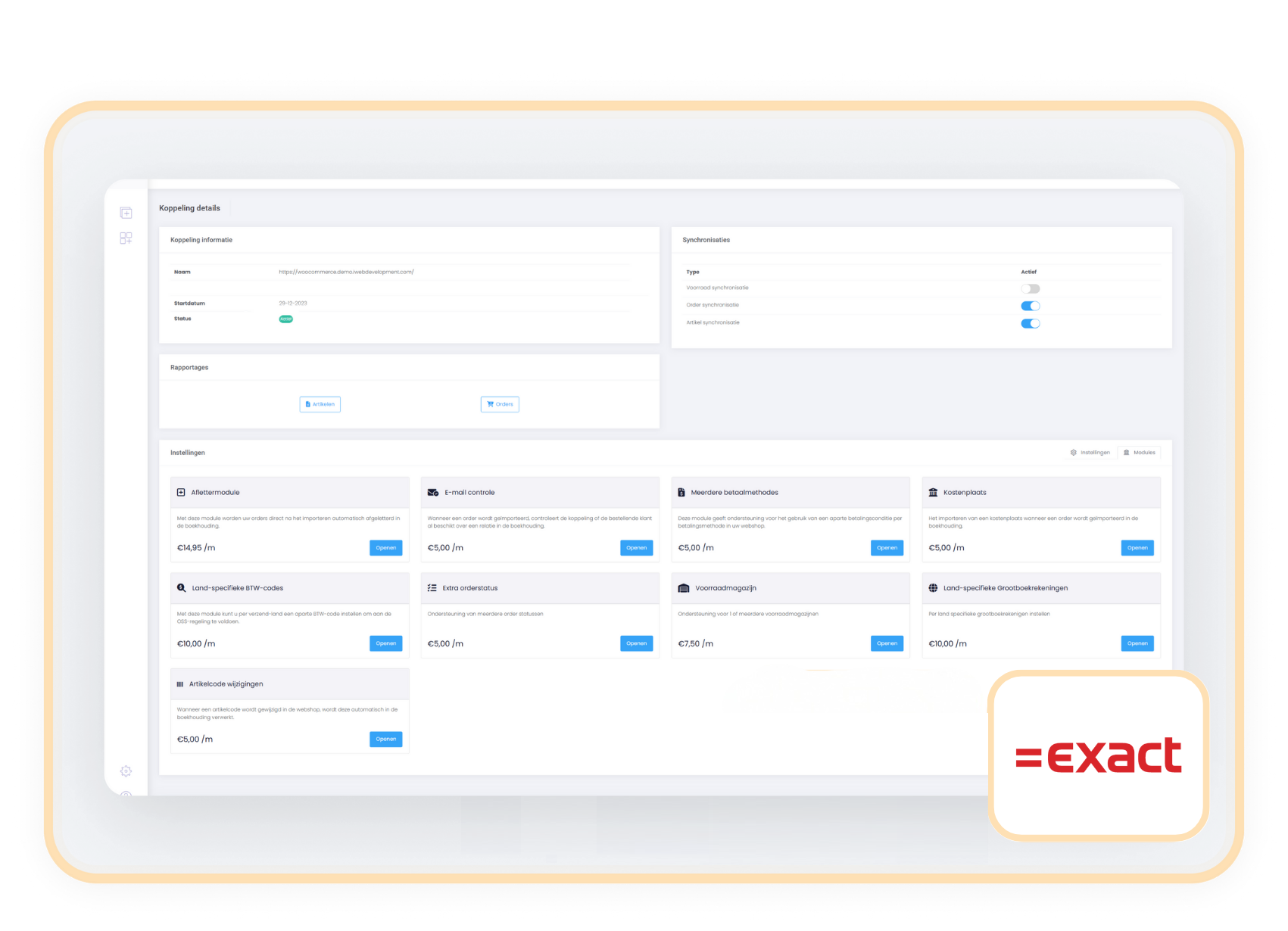
The Reconciliation Module is available as an addition to your existing subscription. You pay a fixed amount per month and are not limited in the number of transactions to reconcile.
€ 14,95 / month
How do you activate the module?
You can activate the reconciliation module yourself in a few simple steps.
- Choose settings in your control panel and click on the 'modules' tab
- Select the reconciliation module and enter your details.
- Save and the reconciliation process begins automatically.
Compatibility
The Reconciliation Module works independently of the webshop and seamlessly integrates with the most commonly used payment methods and Payment Service Providers (PSPs). You can easily connect the module to your existing webshop, regardless of which payment system you use.
The letter-off module for Exact Online automates the entire process of matching payments to invoices, eliminating the need for manual work. As soon as an order is imported and the payment is completed, the module goes through the following steps:
- Automatic invoicing – The sales invoice is created and processed in the sales journal.
- Generating a journal entry – The module automatically creates a journal entry to properly process the payment.
- Posting to the PSP intermediary account – The amount is automatically posted to the correct PSP intermediary account, ensuring no open items remain.
- Finally, you just need to balance the PSP intermediary account by processing the monthly transaction cost invoice from your PSP. This keeps your administration fully aligned with your payments.
Within a few minutes, you can activate and use the reconciliation module for Exact Online. Follow these three simple steps:
- Navigate to the settings – Go to the control panel to 'Settings' and open the 'Modules' tab.
- Activate the Reconciliation Module – Select the Reconciliation Module and fill in the required information.
You will need:- Ledger number of the PSP intermediary account
- Ledger number of the accounts receivable account
- Ledger number of the price differences account
- Journal code of the sales journal
- Journal code of the memorial journal
- Confirm and start – Review the data entered and click on 'Modify' to activate the module.
The accounting connector supports processing sales through all major Payment Service Providers (PSPs), including:
- Mollie
- Adyen
- Pay
- Amazon
- Bol
- PayPal
- Shopify Payments
- Riverty
- Stripe
The connector processes sales per payment method (or PSP) and automatically books them to the correct suspense account in your accounting. As soon as you import the payouts from your PSP or bank into Exact Online, you can easily connect them to the correct suspense account yourself.
Are you working with a different PSP? No problem! Our module supports a wide range of payment providers through the accounting setup.